
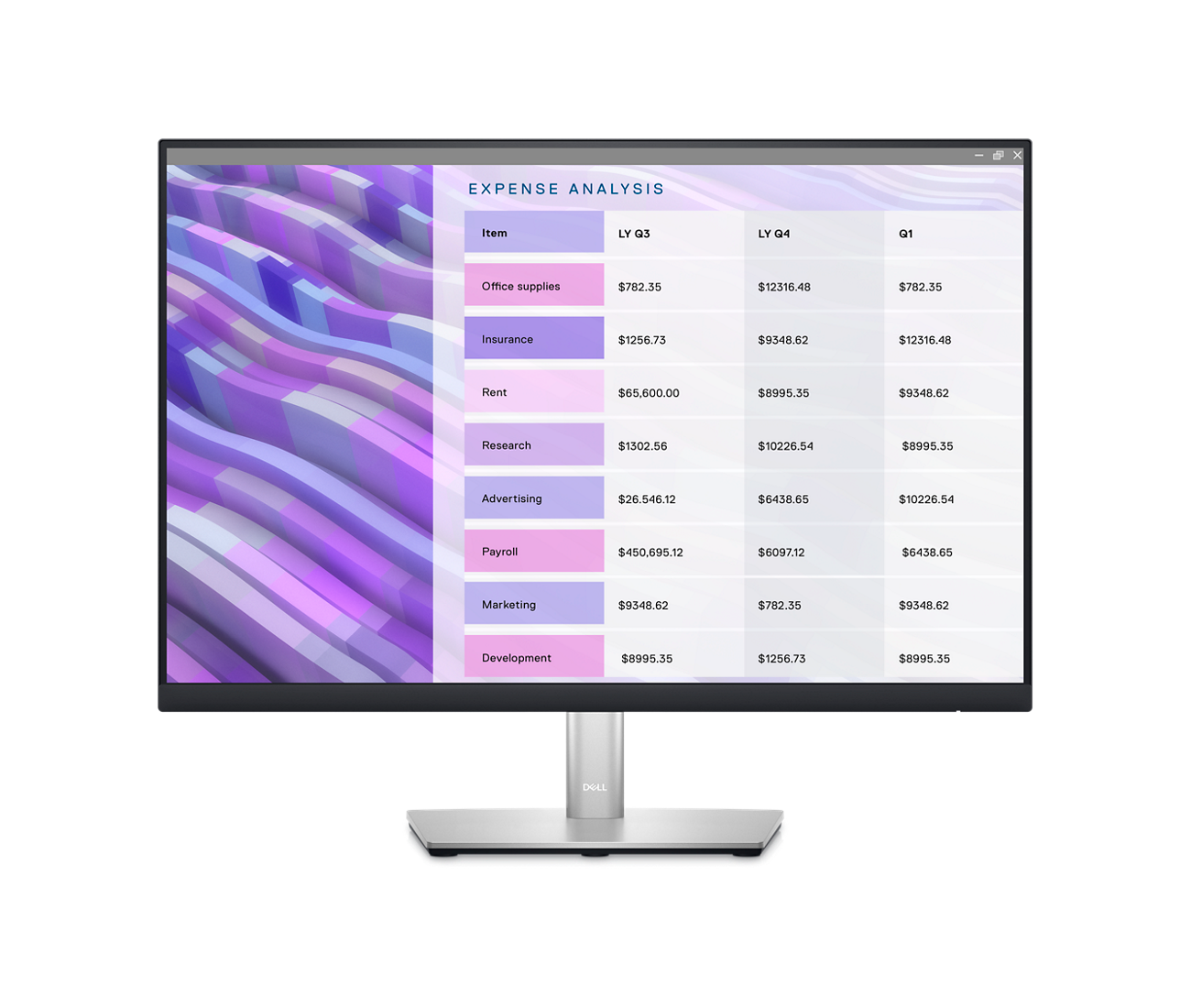
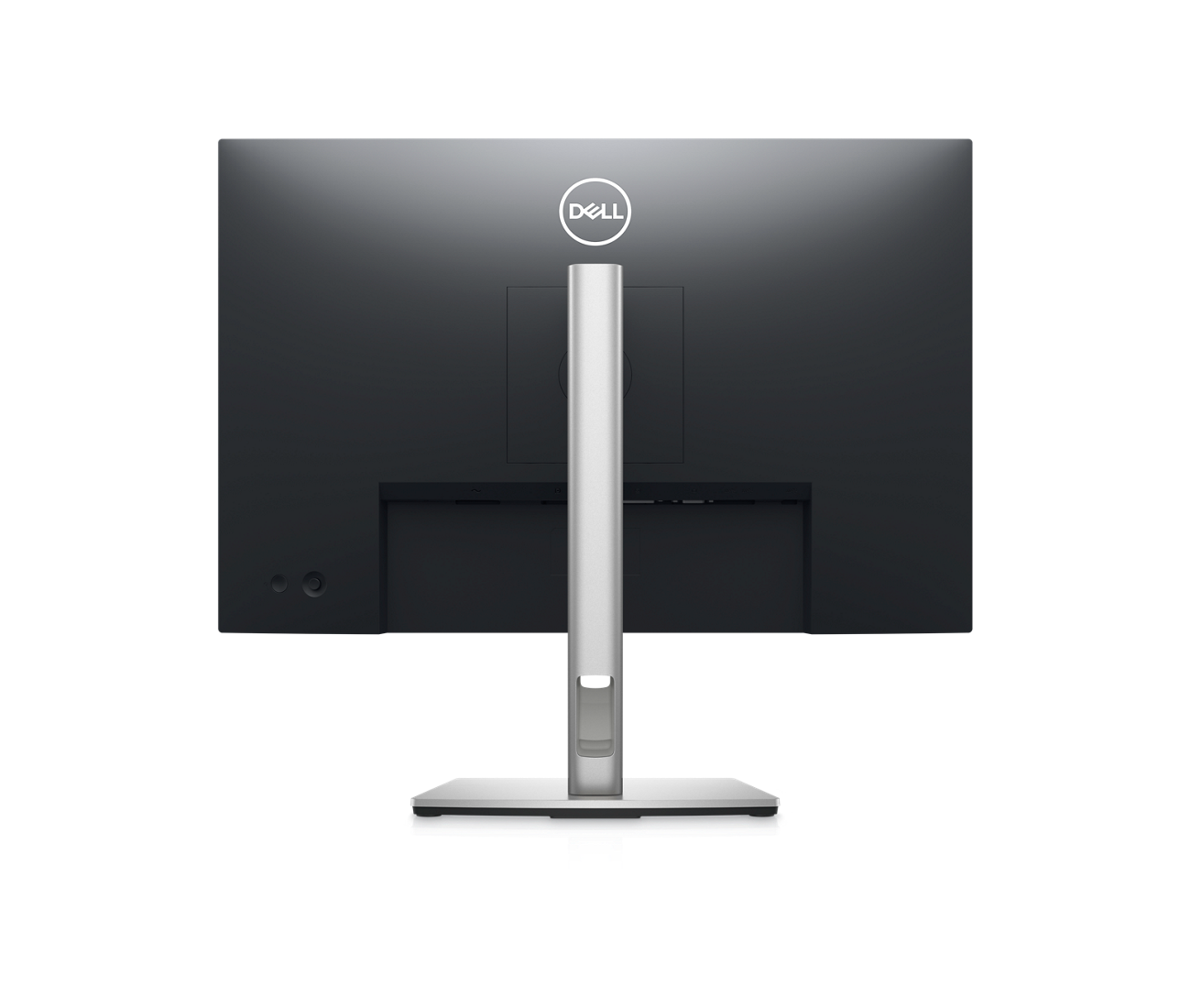

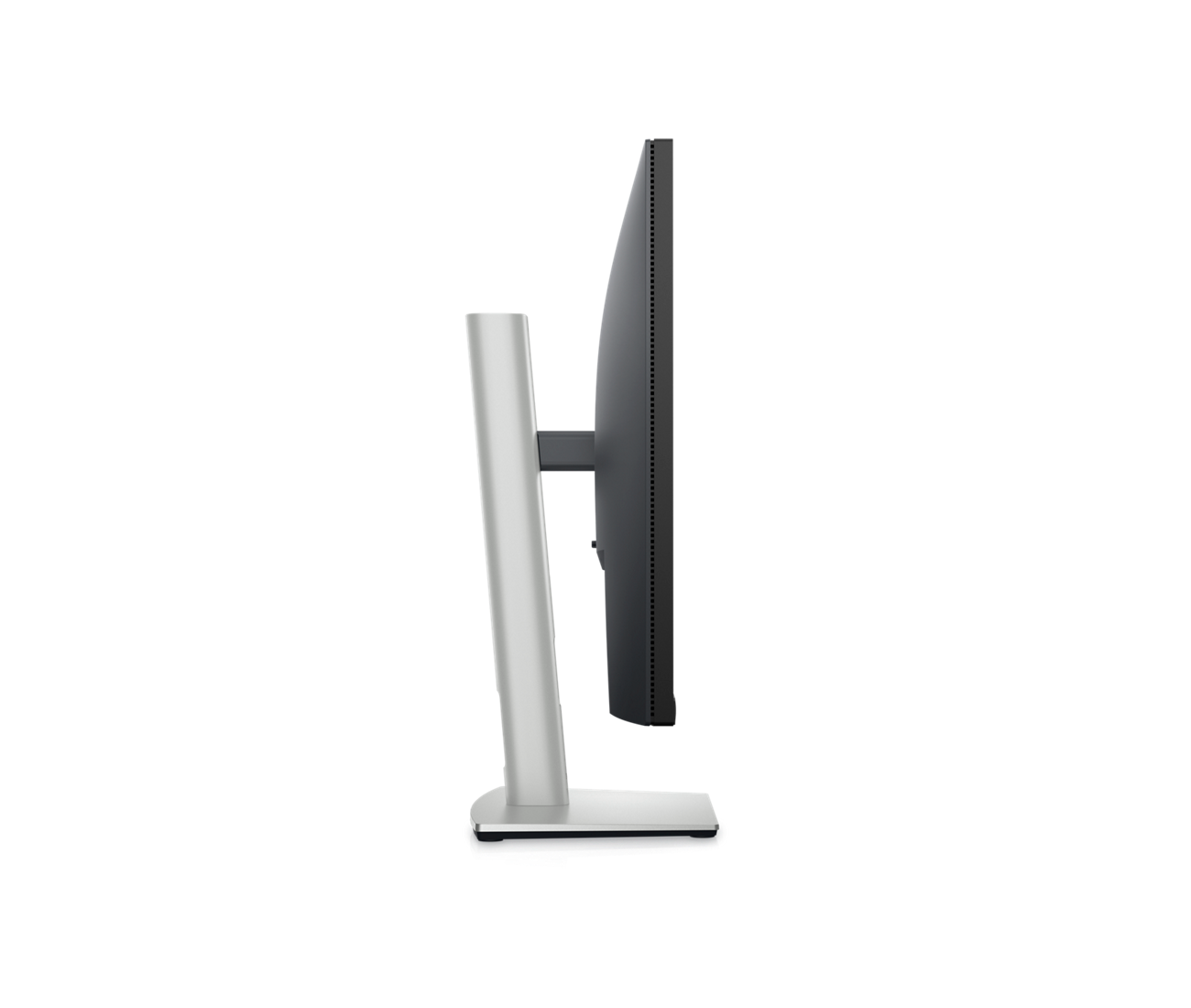
Dell P2423 – LED monitor – 24″
$342.99
See everything on a 24-inch WUXGA 16:10 monitor with versatile connectivity, a three-sided ultrathin bezel and ComfortView Plus.
| Specifications | |
|---|---|
| Form Factor | Desktop |
| Display Type | LED-backlit LCD monitor / TFT active matrix |
| Diagonal Size | 24 Inch |
| Native Resolution |
WUXGA 1920 x 1200 at 60 Hz
|
| Response Time |
5 ms (fast), 8 ms (normal)
|
| Interface |
HDMI, DVI, DisplayPort, VGA
|
| Display Position Adjustments |
Height, pivot (rotation), swivel, tilt
|
| Flat Panel Mount Interface | 100 x 100 mm |
| Curved Screen | – |
| Service & Support Type | – |
–
Description
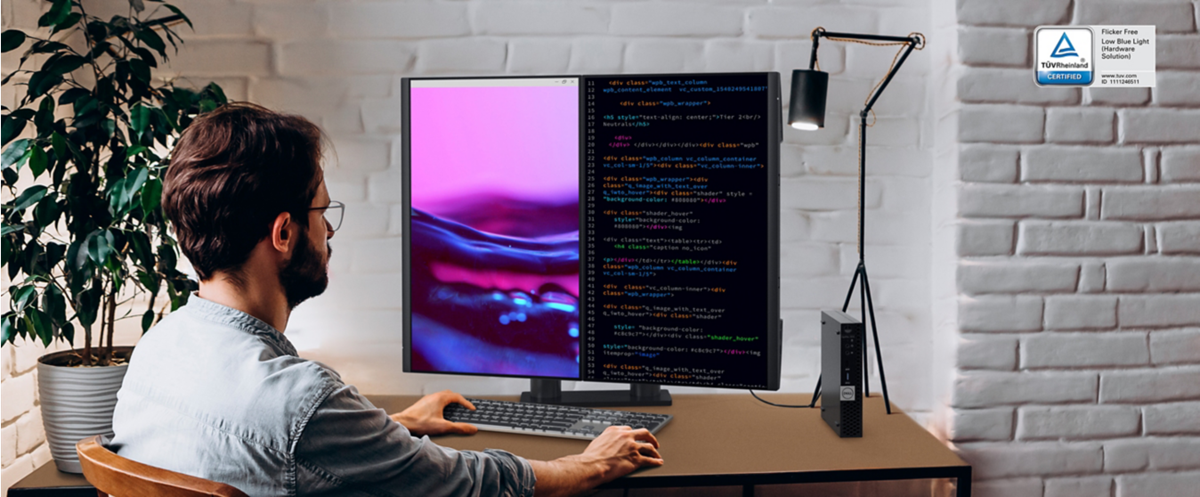
See more, scroll less
| Optimal viewing: | A 24″ display with 1920 x 1200 (WUXGA) resolution and 16:10 aspect ratio provides 11% more screen. |
Designed for comfort and efficiency
| Designed with wellness in mind | ComfortView Plus — an always-on, built-in low blue light screen — reduces potentially harmful blue light emissions without compromising color. |
| Convenient adjustability | Experience made-for-you comfort by tilting, swiveling, pivoting, and adjusting the height of your monitor (150 mm max) for optimal viewing comfort. |
| Simple customization | Navigate and adjust your monitor screen settings with the easy-to-use joystick control. |
Extensive connectivity
| Conveniently connect to a variety of devices with extensive connectivity ports, including DisplayPort, HDMI, DVI, VGA and SuperSpeed USB 5 Gbps. |
Dell Display Manager
| Productive at every level | Easy Arrange allows you to easily tile multiple applications across one or more screens with 38 pre-set window partitions and the ability to personalize up to five windows, giving you improved multitasking abilities. |
| Seamless transitions | The auto-restore feature remembers where you left off, so applications will go back to where you left them, even after you’ve unplugged. |
| The key to convenience | Shortcut keys can save you even more time, letting you easily configure your display management settings, so you can get to work faster. |
| More ways to manage | Asset management reports allow IT managers to quickly capture and track monitor information, as well as configure multiple monitors at once through a single setup. |
Green thinking: for today and tomorrow
| Environmental standards | This monitor uses 85% PCR (Post-consumer Recyclable) plastic in the design and meets the latest environmental standards such as EnergyStar®, and TCO Certified Edge, and is EPEAT® Gold registered. |
| Eco-conscious packaging | Designed with the environment in mind, Dell commercial monitors come in 100% recyclable cardboard packaging. |
| Energy conservation | Save energy with PowerNap, a feature that dims or puts your monitor to sleep when your monitor is not in use. |
| Advancing sustainability | Dell Technologies is committed to reducing environmental impact throughout the product lifecycle. |
Ports and Slots
| 1. | Security lock slot (based on Kensington Security Slot™) |
| 2. | Power connector |
| 3. | DisplayPort version 1.2 (HDCP 1.4) |
| 4. | HDMI port version 1.4 (HDCP 1.4) |
| 5. | Stand lock feature |
| 6. | DVI port |
| 7. | VGA port |
| 8. | SuperSpeed USB 5 Gbps (USB 3.2 Gen 1) upstream port |
| 9. | SuperSpeed USB 5 Gbps (USB 3.2 Gen 1) downstream ports |
Cables Included
| Power cable |
| DisplayPort to DisplayPort cable (1.8 meters) |
| USB 3.2 Gen 1 (5 Gbps) upstream cable (enables the USB ports on the monitor, 1.8 meters) |
| General | |
|---|---|
| Display Type | LED-backlit LCD monitor / TFT active matrix |
| Energy Class | Class D |
| Diagonal Size | 24″ |
| Built-in Devices | USB 3.2 Gen 1 hub |
| Panel Type | IPS |
| Aspect Ratio | 16:10 |
| Native Resolution | WUXGA 1920 x 1200 at 60 Hz |
| Pixel Pitch | 0.27 mm |
| Pixel Per Inch | 94 |
| Brightness | 300 cd/m² |
| Contrast Ratio | 1000:1 / 1000:1 (dynamic) |
| Color Support | 16.7 million colors |
| Color Gamut | 99% sRGB |
| Response Time | 5 ms (fast), 8 ms (normal) |
| Horizontal Viewing Angle | 178 |
| Vertical Viewing Angle | 178 |
| Screen Coating | Anti-glare |
| Backlight Technology | WLED edgelight backlight |
| Features | Mercury free, arsenic-free glass, 3-sided bezeless, Dell ComfortView Plus |
| Color | Black |
| Dimensions (WxDxH) | 20.9 in x 7.1 in x 20.1 in – with stand |
| Weight | 12.26 lbs |
| Connectivity | |
|---|---|
| Interfaces | HDMI (HDCP 1.4), DisplayPort 1.2 (HDCP 1.4), DVI, VGA, USB 3.2 Gen 1 upstream, 4 x USB 3.2 Gen 1 downstream |
| Mechanical | |
|---|---|
| Display Position Adjustments | Height, pivot (rotation), swivel, tilt |
| Tilt Angle | -5/+21 |
| Swivel Angle | 90 |
| Height Adjustment | 5.9 in |
| VESA Mounting Interface | 100 x 100 mm |
| Miscellaneous | |
|---|---|
| Features | Security lock slot (cable lock sold separately) |
| Cables Included | 1 x DisplayPort cable – DisplayPort to DisplayPort – 6 ft, 1 x USB 3.2 Gen 1 upstream cable – 6 ft |
| Compliant Standards | RoHS, DisplayPort 1.2, BFR-free, HDCP 1.4, PVC-free |
| Power | |
|---|---|
| Input Voltage | AC 100-240 V (50/60 Hz) |
| Power Consumption (On mode) | 14.8 W |
| Power Consumption SDR (On mode) | 14.8 kWh/1000h |
| Power Consumption (Max) | 48 Watt |
| Power Consumption Stand by | 0.3 Watt |
| Power Consumption Sleep | 0.3 Watt |
| Power Consumption (Off Mode) | 0.2 Watt |
| On / Off Switch | Yes |
| Dimensions & Weight | |
|---|---|
| Dimensions & Weight Details | With stand – width: 20.9 in – depth: 7.1 in – height: 20.1 in – weight: 12.3 lbs, Without stand – weight: 7.8 lbs |
| Dimensions & Weight (Shipping) | |
|---|---|
| Shipping Weight | 17 lbs |
| Sustainability Information | |
|---|---|
| TCO Certified | TCO Certified Edge Displays, TCO Certified Displays 9 |
| ENERGY STAR Certified | Yes |
| Manufacturer Warranty | |
|---|---|
| Bundled Services | 3-Years Advanced Exchange Service and Premium Panel Guarantee |
Related products
-
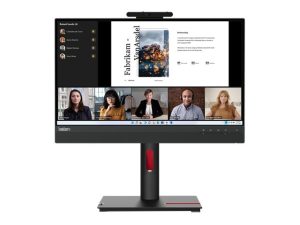
Lenovo ThinkVision Tiny-in-One 22 Gen 5 – LED monitor – Full HD (1080p) – 22″
$324.00 Add to cart -
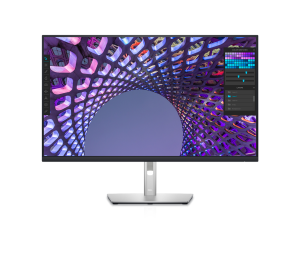
Dell P3223QE – LED monitor – 4K – 31.5″
$541.99 Add to cart -
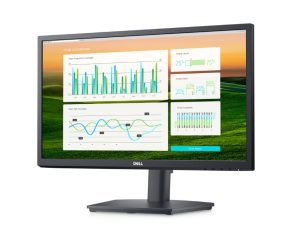
Dell E2222HS – LED monitor – Full HD (1080p) – 22″
$137.99 Add to cart -
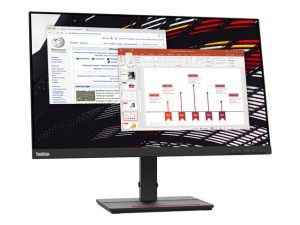
Lenovo ThinkVision S24e-20 – LED monitor – Full HD (1080p) – 24″
$170.00 Add to cart